ViviMail for Android
Your business email on your phone. The free ViviMail app brings your ViviMail mailbox, the shared inboxes your team gives you and your other email accounts together, with notifications and offline reading.


Free, with no ads. Requires Android 8.0 or later. Google Play and the Google Play logo are trademarks of Google LLC.
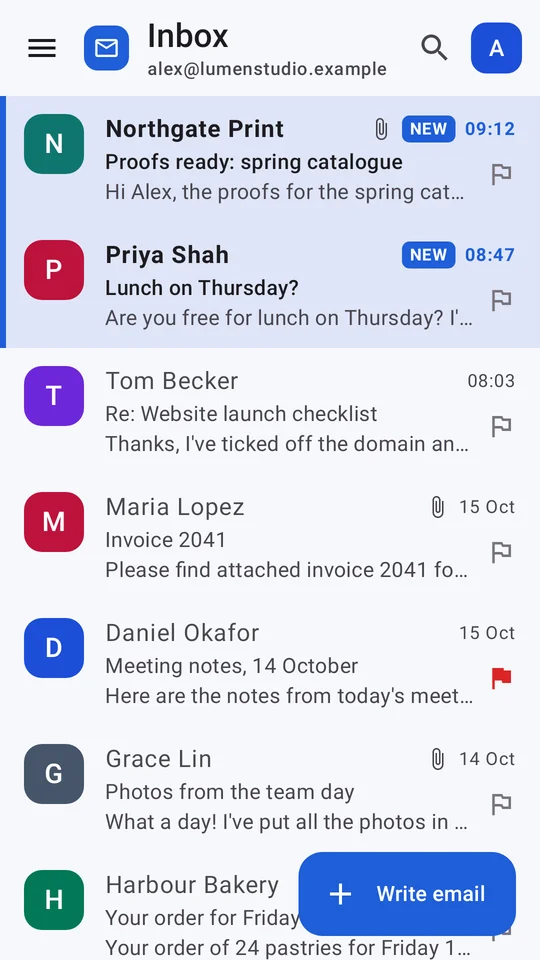
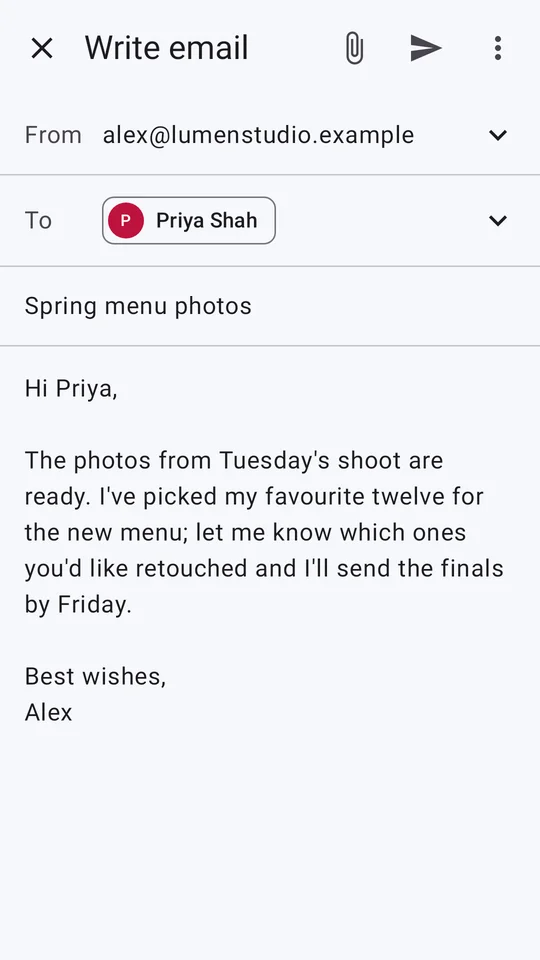
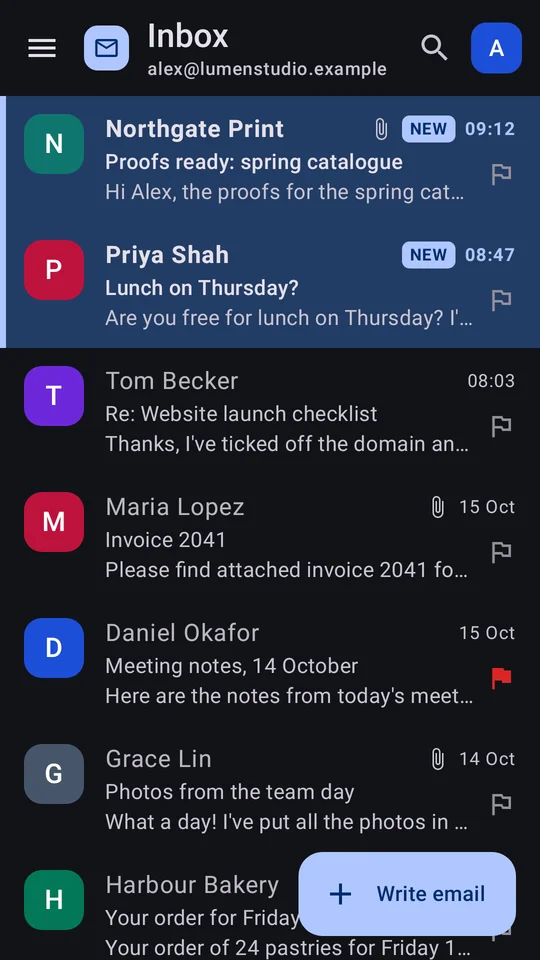
Everything you need from a business email app
Your whole team's email
Switch between your own mailbox and the shared inboxes, like sales@ or support@, that your organisation has given you.
Everyday email, done well
Read, reply, reply all and forward. Send attachments, keep a signature for each account, search, flag and file into folders.
Swipe and undo
Swipe to archive or delete, with the swipe actions you choose. Undo sending, archiving and deleting if you change your mind.
Works offline
Recent messages are saved on your phone. Emails you write offline wait in the Outbox and send when you reconnect.
Notifications you control
Choose new-mail notifications for each account, with Archive and Mark as read right from the notification.
Light, dark or automatic
Follow your phone's theme or pick one. Remote pictures in emails stay blocked until you choose to show them.
Your other email accounts, free
You don't need ViviMail hosting to use the app. Add an email account you already own using its IMAP and SMTP settings, such as Yahoo, iCloud, Fastmail or your own business or website email server. Your provider must allow IMAP and SMTP access with a password or app password. Gmail, Outlook.com and Microsoft 365 accounts aren't currently supported.
Secure sign-in
Sign in to ViviMail with a passkey, or through ViviMail's secure sign-in page with two-step verification. Your ViviMail password is entered on the sign-in page, never in the app. Sign-in tokens and other providers' passwords are encrypted on your phone and left out of phone backups, and every connection to a mail server uses TLS. The app has no ads and no third-party analytics.
Get started in three steps
Install the app
Get ViviMail free from Google Play on any phone or tablet with Android 8.0 or later.
Sign in or add an account
Sign in with your ViviMail account, or add another email account with its IMAP and SMTP details.
Choose your notifications
Pick which accounts notify you about new email. That's it.
Questions about the app
Is the ViviMail app free?
Yes. The Android app is free to download and use, with no ads. ViviMail business email hosting is a separate, paid service; see pricing.
Do I need a ViviMail account?
No. You can use the app with your own IMAP and SMTP email accounts. With a ViviMail account you also get your business mailbox and the shared inboxes your organisation gives you.
Is there an iPhone app?
Not yet. On iPhone and iPad, add your ViviMail mailbox to Apple Mail or another email app with an app password, or use ViviMail webmail in Safari.
Which phones does it work on?
Android phones and tablets running Android 8.0 or later.
How do I delete my account?
From the app, or at vivimail.co.uk/delete-account without signing in. Removing an account from your phone doesn't delete it at the provider.